Reference | Rodeo Docs
The quick-lookup corner of the docs: every keyboard shortcut, every plan side by side, every limit with its number, the words Rodeo uses, and answers to the questions people ask most. The other sections explain how things work; come here when you just need the answer.
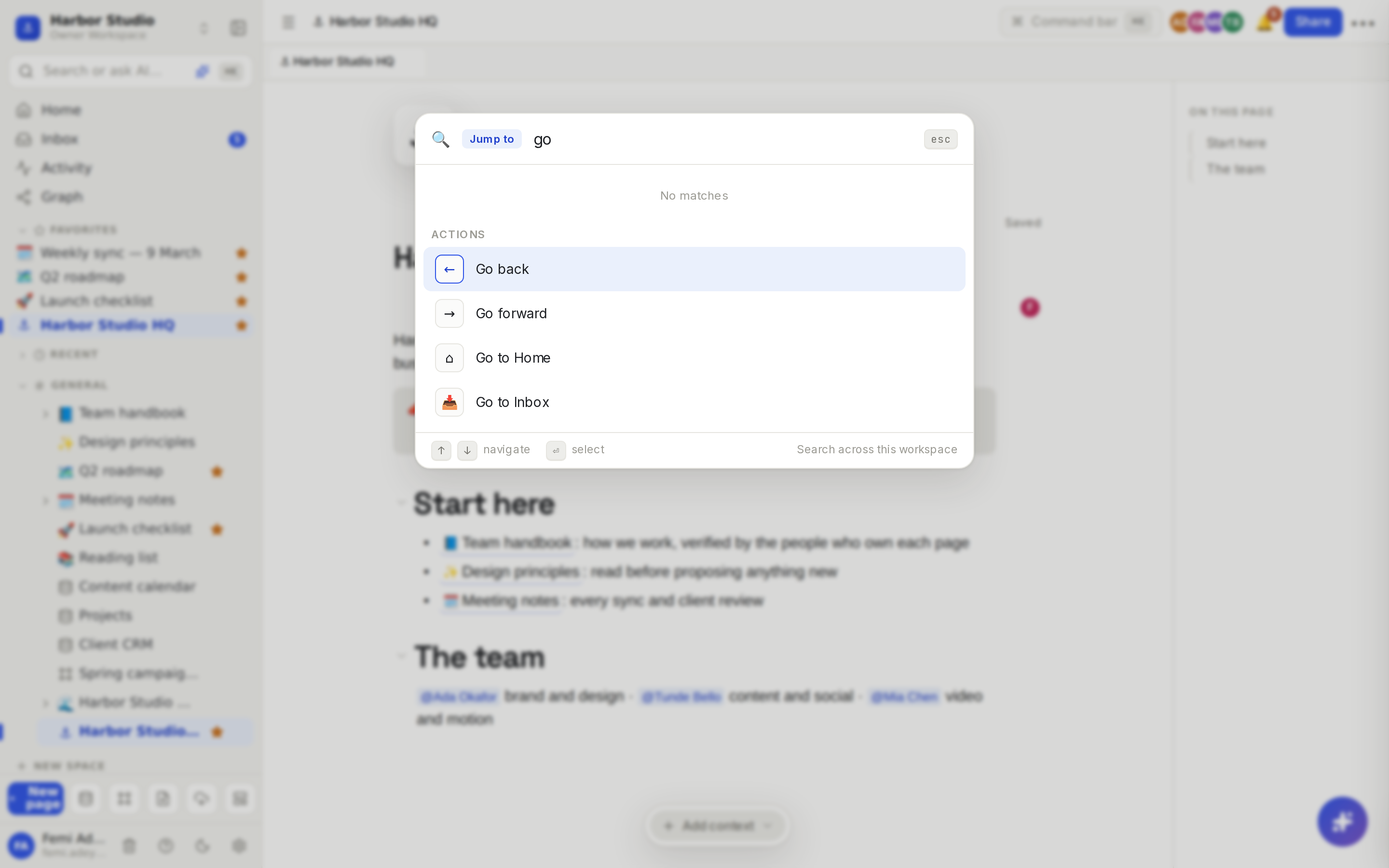
Work faster
Keyboard shortcuts lists every key in one place: in the editor, on boards, while presenting and in the desktop app. If you only learn one, make it ⌘K (Ctrl+K), which opens the command menu from anywhere.
Plans and numbers
Plan feature matrix puts Free, Starter, Team, Business and the Founders' Deal side by side in one table, so you can see exactly what each includes. Limits gathers the numbers in one place: members, guests, monthly allowances, upload sizes, API rates and more.
Words and answers
New to a term? The Glossary explains blocks, spaces, guests, seats, credits, scopes and the rest in plain words. Stuck on something? Troubleshooting and FAQ answers the questions people ask most, each with a link to the page that explains more.