Write math equations with LaTeX | Rodeo Docs
Write an equation in LaTeX and Rodeo typesets it like a textbook, so pricing models, formulas and lesson notes look right instead of being squeezed into plain text.
Do it
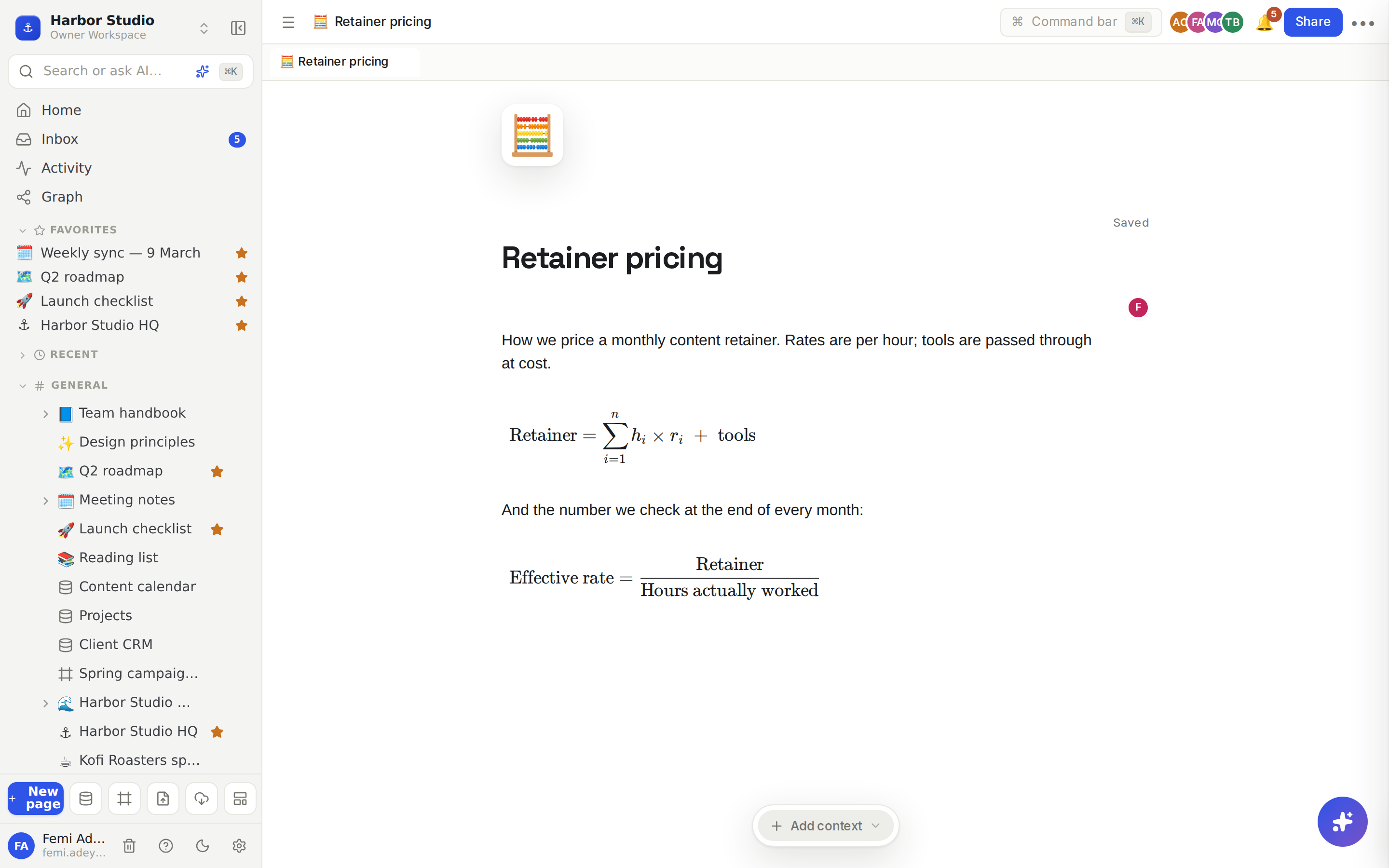
Type /math or /equation and choose Equation. A new block opens with a sample, e^{i\pi} + 1 = 0.
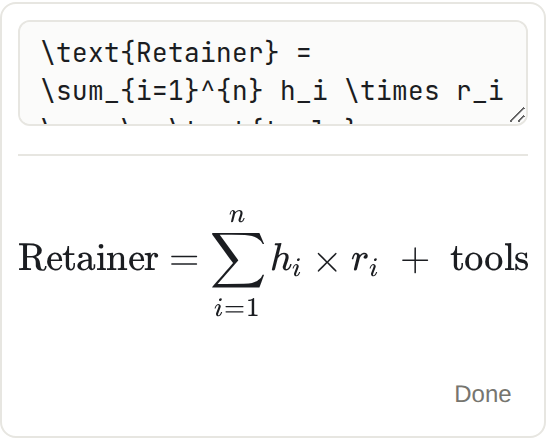
Replace it with your own LaTeX in the box. The rendered equation updates below as you type.
Click Done.
To change it later, click the equation. The editor opens again.
A few things you can type:
Type | To get |
|---|---|
| a fraction |
| a power, a subscript |
| a sum from 1 to n |
| a square root |
| ×, ≤, ≠ |
| ordinary words inside the equation |
Tips and limits
Equations are blocks. Each one sits on its own line, centred. For a quick superscript or subscript inside a sentence, use ⌘. or ⌘⇧, instead. See Text and headings.
Mistakes show up straight away. If the LaTeX can't be read, the block shows the error message instead of the equation, so you can fix it before clicking Done.
Wide equations scroll sideways rather than overflowing the page.
Rendering uses KaTeX, which covers the common LaTeX maths commands. Whole-document LaTeX (packages, \begin{document}) isn't supported.
People who can only view the page see the typeset equation.
Equations work on every plan.
Ideas
A pricing model the client can follow. Write the retainer formula as an equation above the rate table, so Kofi Roasters sees exactly how their invoice is worked out.
Lesson notes. A tutor keeps one page per topic with the key formulas typeset, and a toggle under each one with a worked example. See Lists and toggles.
Metric definitions. Define "engagement rate" once, as an equation on the analytics page, so everyone on the team calculates it the same way.