Boards: an infinite canvas with AI | Rodeo Docs
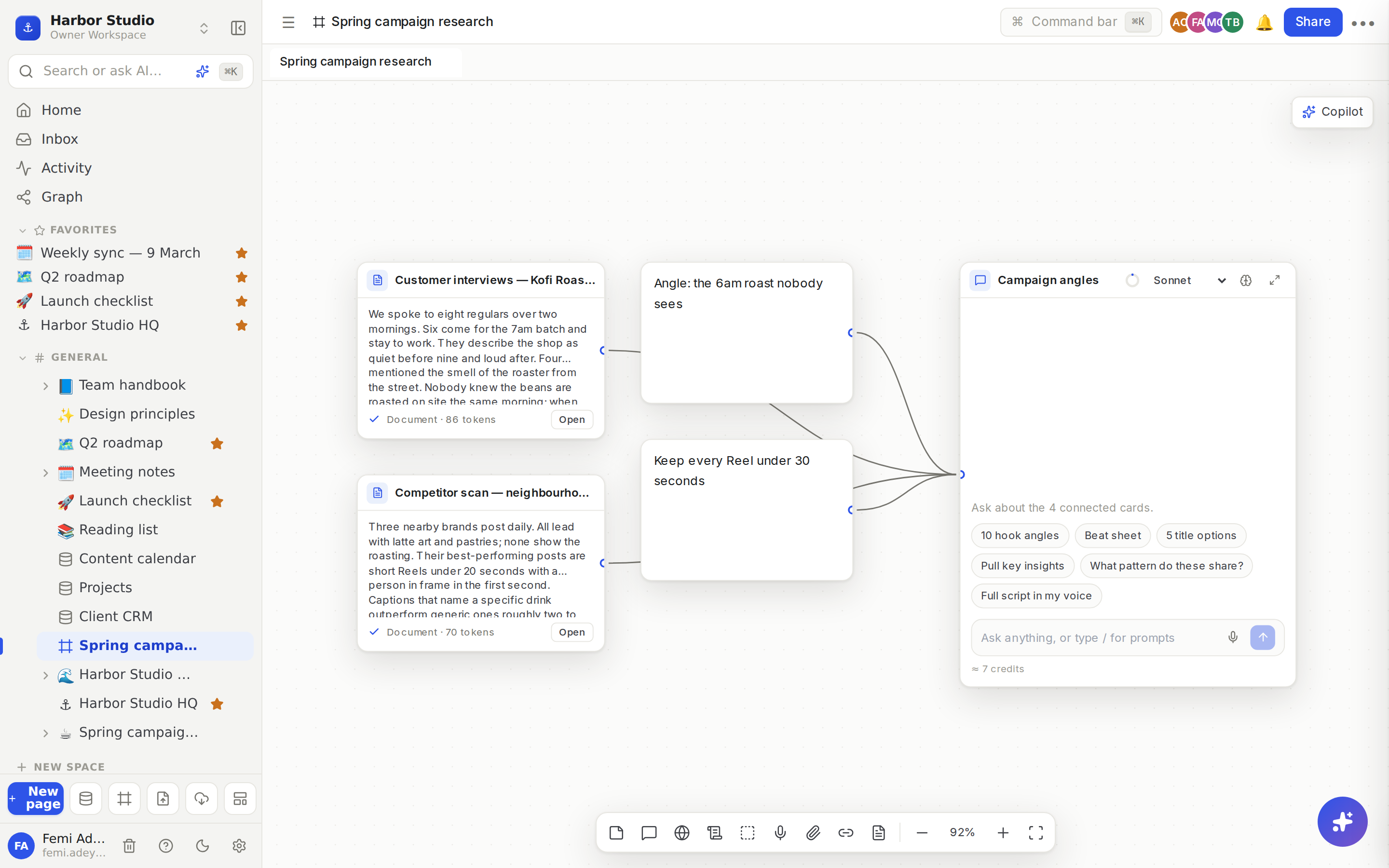
A board is an infinite canvas where you collect everything behind a piece of work, from videos and web pages to PDFs, voice notes, your own pages and notes, and then wire it into AI chats that read exactly what you connected. It's where research turns into hooks, outlines, scripts and finished pages, with your whole team on the same canvas.
Learn the canvas
Start with What a board is: the canvas, the dock, moving around, and working on a board with others. Then read Nodes and wires, which introduces every kind of card (notes, groups, sources, pages, databases, scripts and chats) and explains the one idea that matters most: a chat reads only what is wired into it.
Gather your research
A board is only as good as what's on it. Sources shows how to bring in links, YouTube and social posts, files, images and voice notes as cards the AI can read. When you don't have the material yet, Research adds a chat that searches the web and YouTube for you and brings what it finds back onto the board.
Think it through with AI
Once your sources are wired up, AI chats and credits shows how to ask questions about exactly those cards, pick a model, and see what each reply costs. To skip retyping the prompts you use all the time, Saved prompts starts a chat from a ready-made prompt with /.
Turn research into finished work
When the thinking is done, Scripts and editor notes lets you write scripts beside your research and give your video editor timestamped notes. Turn a board into a page turns a group, a reply or the whole board into a page your team can read.
Share it
Share a board covers who can see and edit a board, and how to bring others in. To show a board inside a page, such as a project brief, Embed a board places it there as a card.