Rodeo apps for desktop, mobile and browser | Rodeo Docs
Rodeo goes where you work: a desktop app for Mac and Windows with quick capture from anywhere, a companion app for your phone, and a browser extension that saves any web page into your workspace in two clicks. Each one opens the same workspace with the same account, and everything stays in sync.
On your computer
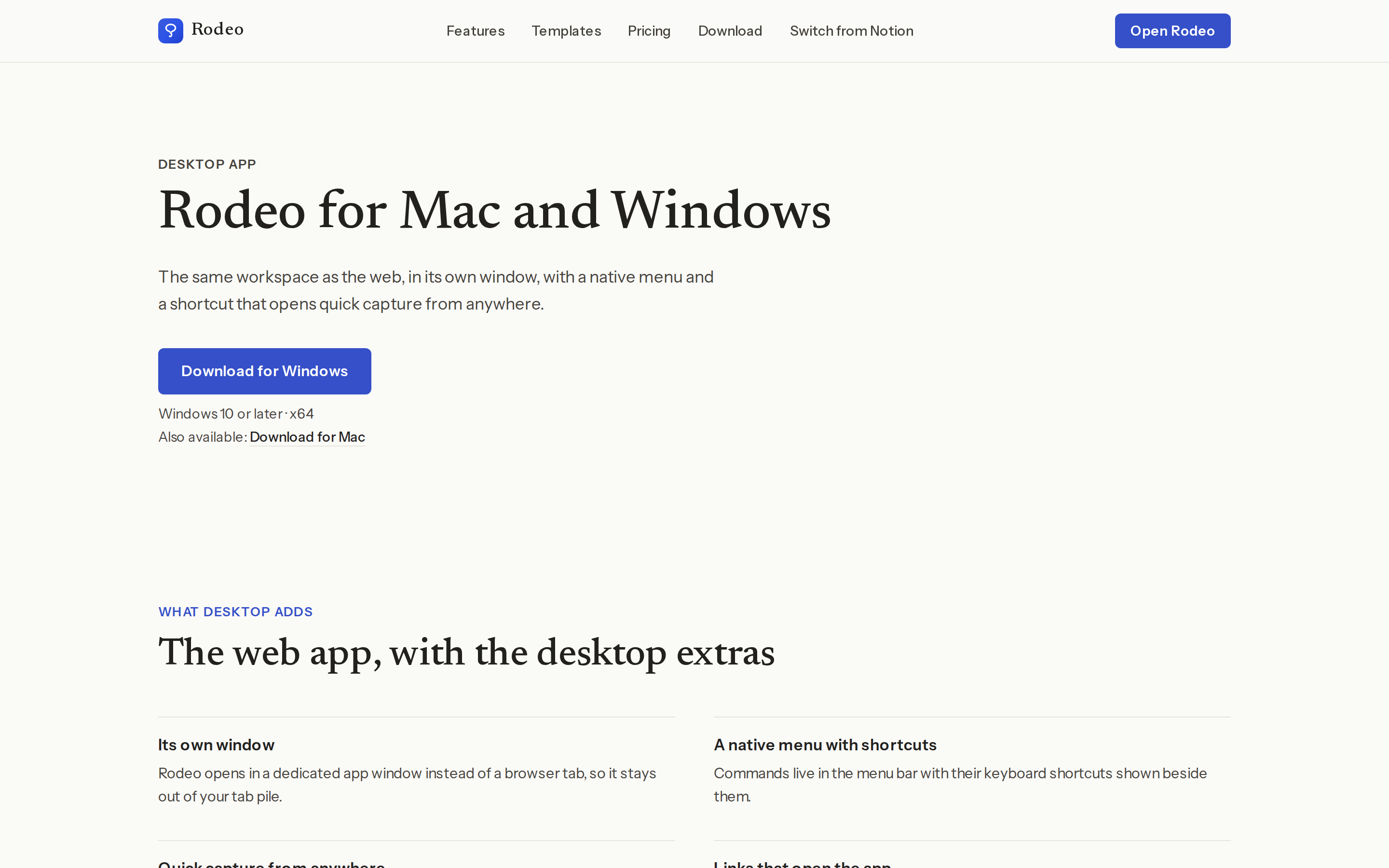
The Desktop app gives Rodeo its own window on Mac and Windows, with a native menu, keyboard shortcuts and notifications. Its quick capture lets you jot something down from anywhere on your computer without switching to Rodeo first.
On your phone
The Mobile app puts your workspace on your iPhone or Android phone. Read, edit, comment and capture on the go, and keep working even with a weak signal.
In your browser
The Web clipper saves a whole web page, or just the part you've selected, into Rodeo from Chrome, Edge or Firefox. It's the quickest way to collect articles and references for later, or for a board.
For a short tour of all three side by side, read Rodeo everywhere: desktop, mobile and the web clipper in Getting started.