Page version history and restore | Rodeo Docs
Rodeo keeps earlier versions of every page as you work, so a bad edit, an overwritten paragraph or a "what did this say last week?" is never more than a few clicks from fixed.
Do it
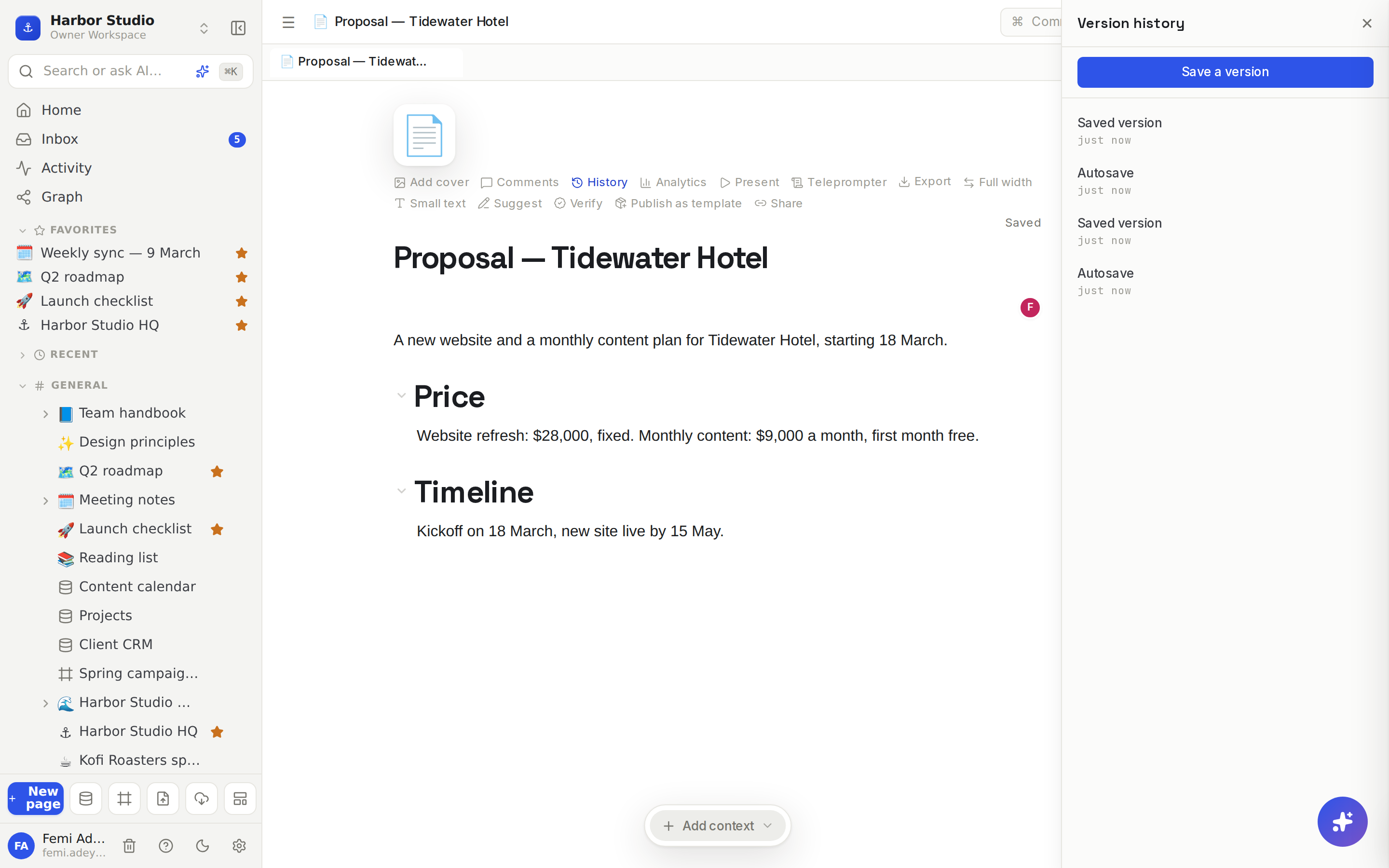
See earlier versions
Hover the page title and click History. The Version history panel opens on the right, newest first.
Click any version to preview it. The page as it was then opens beside the list, read-only.
Click ← Back to return to the list.
Each version is labelled:
Label | What it is |
|---|---|
Autosave | Taken automatically as you edit |
Saved version | Saved on purpose with Save a version |
Before restore | The page just before someone restored an older version |
Restore a version
Open the version you want in the preview.
Click Restore this version.
Confirm with Restore. The page goes back to that version for everyone who has it open, straight away.
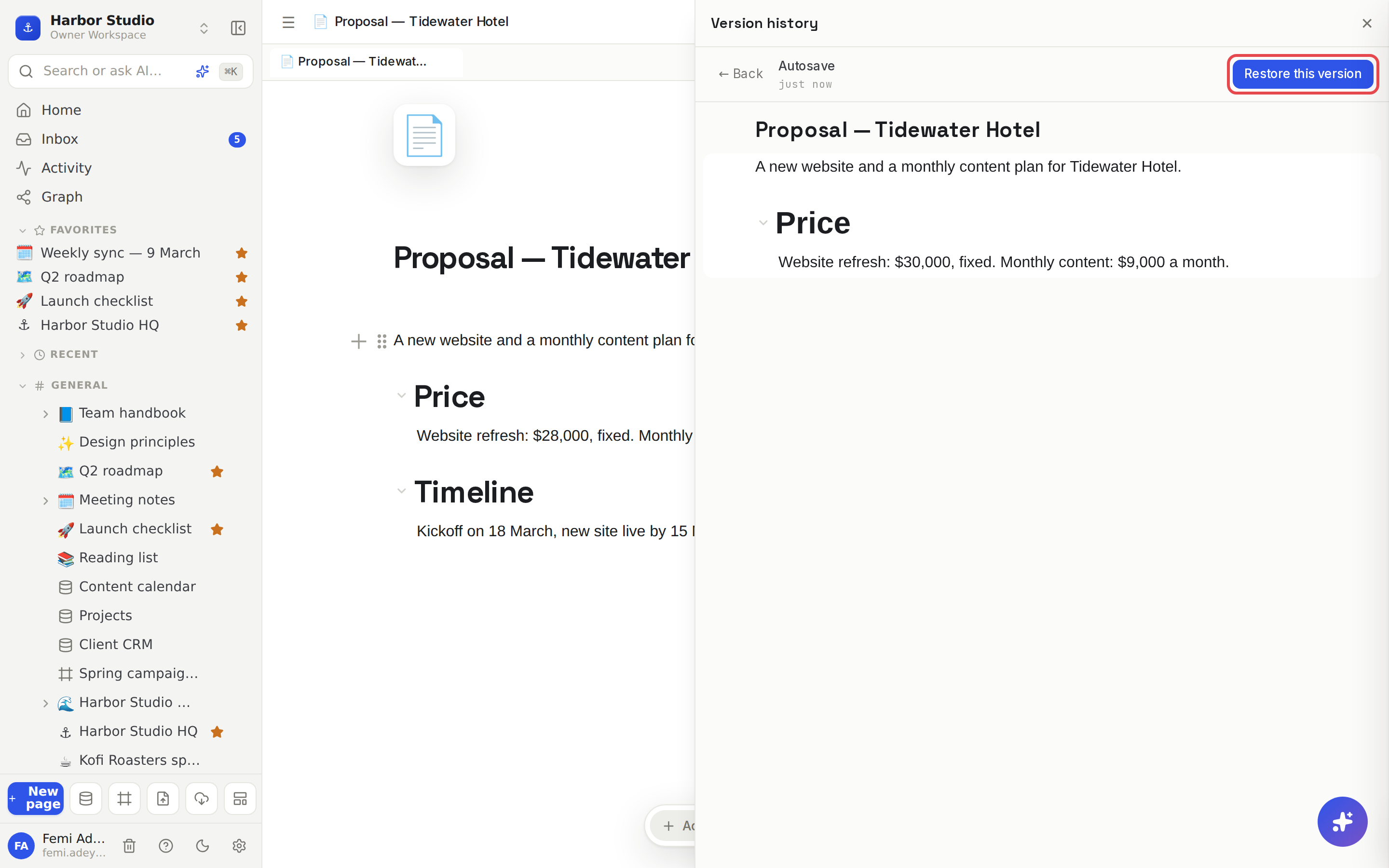
Restoring never loses anything: the page as it was just before is saved first, as a Before restore version, so you can undo the restore the same way.
Save a version on purpose
Before a big rewrite, click Save a version at the top of the panel. It's marked Saved version, so it's easy to find among the autosaves.
Tips and limits
Autosaves are tidy. While you're typing, edits within a few minutes of each other fold into one autosave, and nothing is saved if nothing changed.
What's saved: the page's content, title, icon and cover.
Synced blocks aren't rewound. A synced block keeps its own history, so restoring a page leaves synced content as it is now. See Synced blocks.
Pending suggested edits are discarded when you restore a version. See Suggested edits.
Who can do what: anyone who can open the page can browse its history; only people who can edit can save or restore versions.
For small slips, undo first. ⌘Z undoes your last edits without touching history.
Deleted the whole page? That's Trash, not version history.
Version history is available on every plan.
Ideas
Checkpoint before the client sees it. Click Save a version right before you share the Tidewater proposal. If the pricing changes in the call, you can always show what was first sent.
Rescue a collaborator's overwrite. Mia pasted over the shot list by accident? Open History, find the autosave from before lunch and restore it in ten seconds.
Answer "what changed?" Preview last week's version of the expense policy beside the current one when someone asks why the lunch limit moved.