Publish pages as a website | Rodeo Docs
Anything you write in Rodeo can become a public website in one click: a client portal, a public roadmap, a help center or a portfolio, kept up to date from the same pages your team already edits. Rodeo builds a fast, search-friendly site from your page and its sub-pages, with a sidebar, search and your own domain if you want one. The documentation you're reading right now, at docs.rodeo.so, is a Rodeo site.
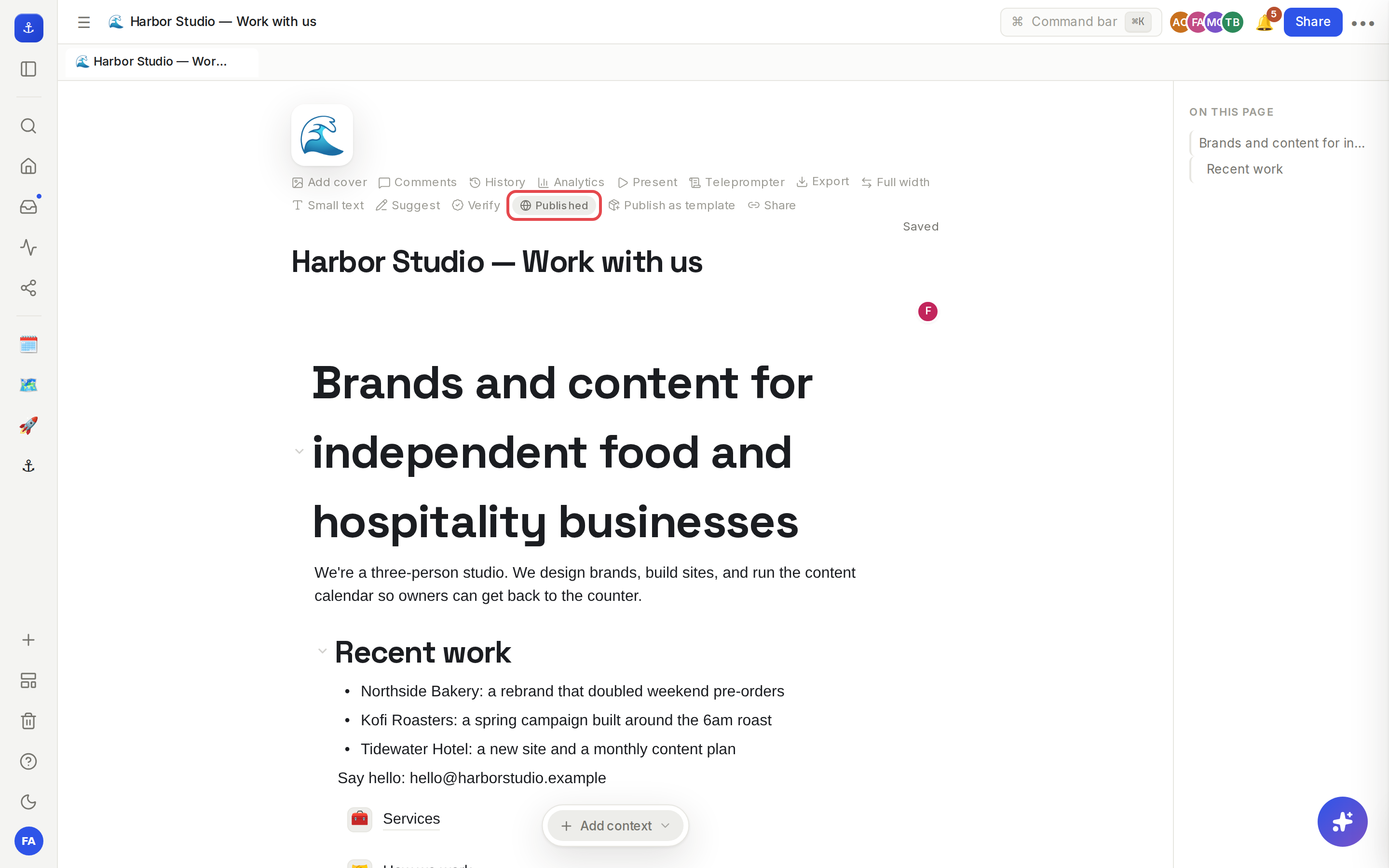
Put a site live
Everything starts in Sites: publish a page and its sub-pages as a website at your own address on rodeopages.com. There's no separate copy to keep in sync: when you edit those pages, click Publish changes, or turn on automatic updates and the site refreshes about a minute after people stop editing.
When you're ready for your own address, Custom domains serves the site from a domain you own, such as docs.yourcompany.com.
Get found and shared
A public page should look right wherever it turns up. SEO lets you set each page's title, description and social image, so search results and link previews show what you want them to.
See who's reading
Page analytics shows how many people read a page, both in the app and on the web, and where your visitors come from, so you know which pages are doing their job.
Let others reuse your pages
If your site is a template, a guide or a starter kit, Duplicate a site lets visitors copy the published pages into their own Rodeo workspace and start from there.