Buttons on a page | Rodeo Docs
A button puts a one-click action on a page, to open a link or add a new row to a database, so the things your team does every day are one click away from the page that explains them.
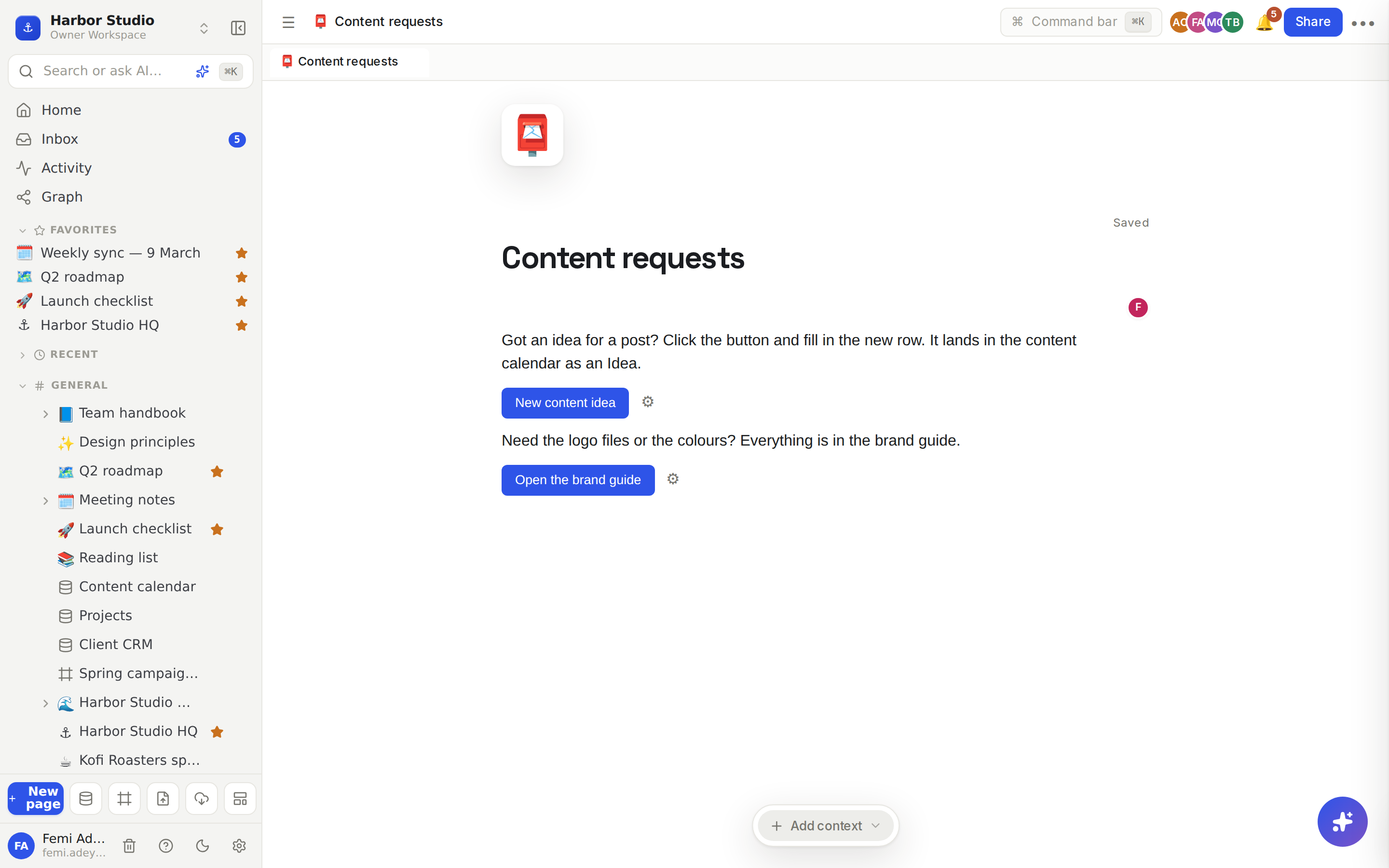
Do it
Type /button and choose Button. A button appears with its settings open.
Under Label, type what the button should say, for example "New content idea".
Under On click, choose what it does:
Open link: type the address under URL. Clicking the button opens it in a new browser tab.
Add database row: choose a database under Database. Clicking the button adds a new, empty row to that database and opens it as a page, ready to fill in.
Click Done.
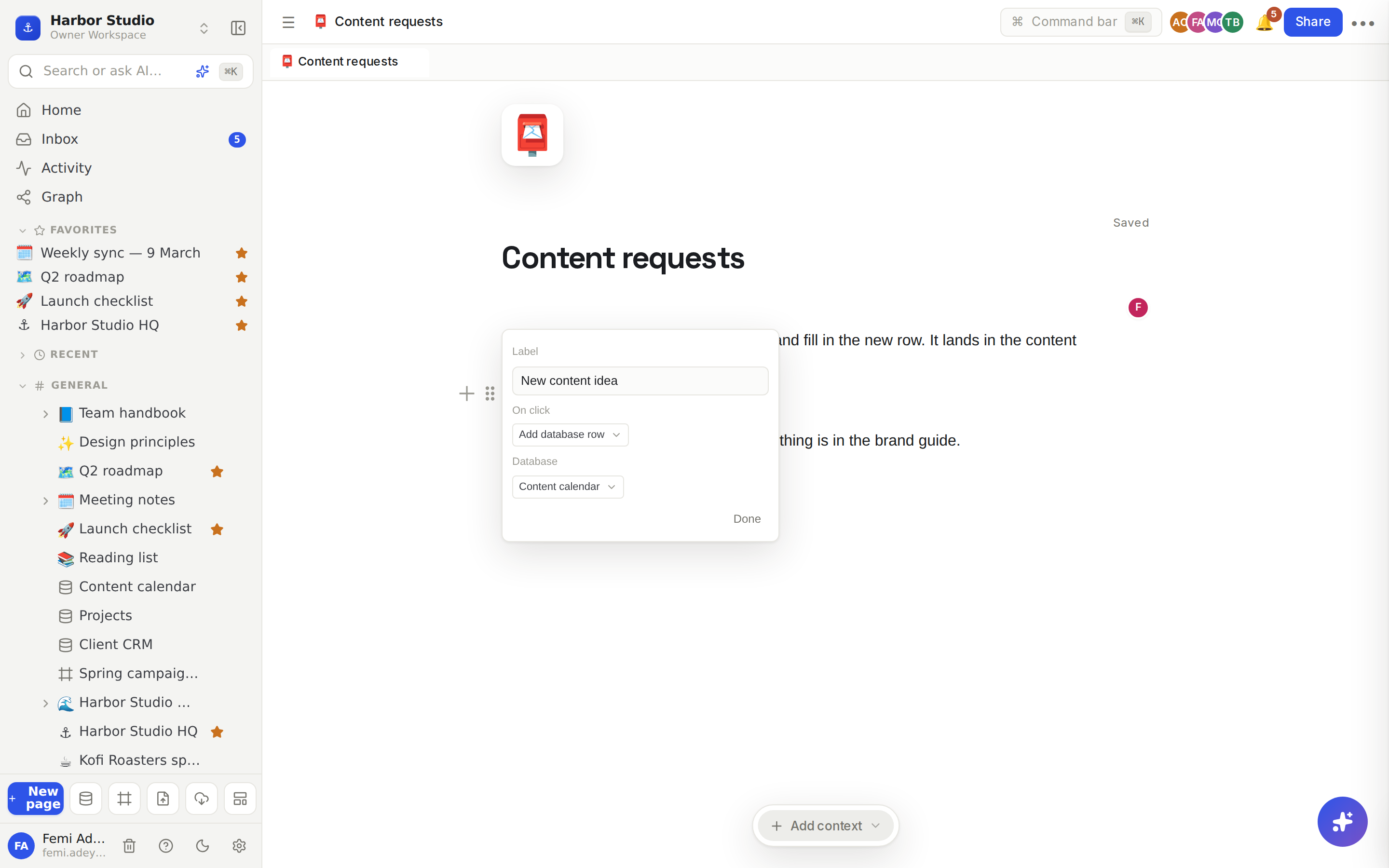
To change a button later, click the ⚙ (Configure button) beside it.
Tips and limits
Two actions. A button either opens a link or adds a database row. It doesn't run several steps in a row; for that, use Automations.
Links without https:// still work: Rodeo adds it for you.
The database list shows the databases in your sidebar. If it says "No databases yet", create one first. See Database basics.
A new row starts empty. Fill in its title and properties on the page that opens. See Row pages and row templates.
Who can change it. Only people who can edit the page see the ⚙. Adding a row also needs edit access to that database.
Buttons work on every plan.
Ideas
A content request desk. On "Content requests", a New content idea button that adds a row to the Content calendar. Anyone in the studio can pitch an idea without hunting for the database.
A client portal. On a page shared with Kofi Roasters, a Request a change button that adds a row to your requests database, and an Open the brand guide button beside it. See Sharing and access requests.
Log a lead in one click. On the studio HQ page, a New lead button that adds a row to the Client CRM and opens it, so Femi can type in a name while the call is still fresh. See Relations and rollups.