Let visitors duplicate your site | Rodeo Docs
Turn on duplicating and every page of your published site gets a Duplicate link, so anyone who likes what you've built can copy it into their own Rodeo workspace in two clicks: the easiest way to share a playbook, a checklist or a template with the world.
Do it
Let visitors duplicate your site
Open the site's home page and click Share → Publish.
Turn on Allow duplicate as template.
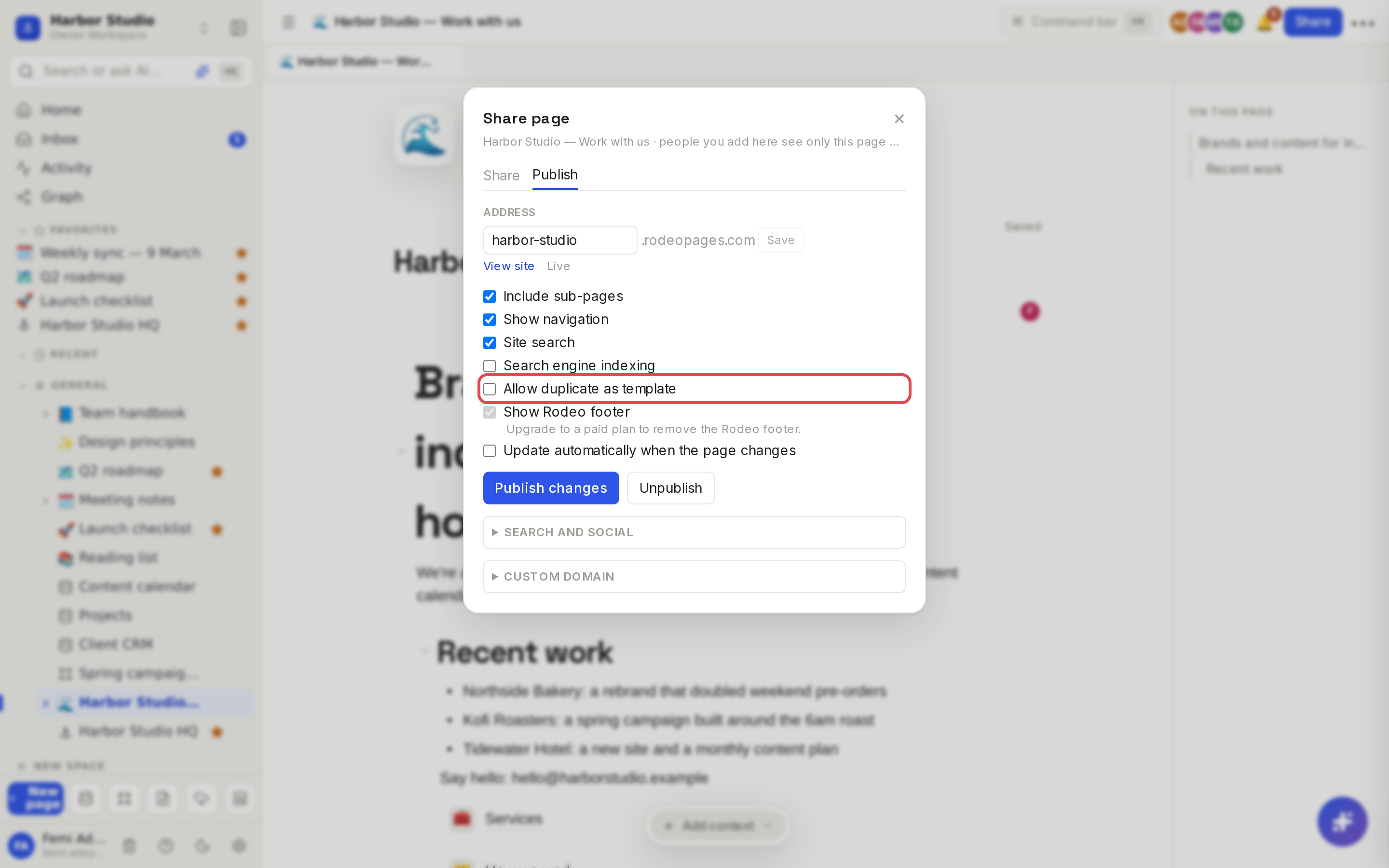
Rodeo republishes the site, and each of its pages now shows a Duplicate link in the header at the top. Turn the option off to remove the links again.
Duplicate a page you found
On a Rodeo site, click Duplicate on the page you want.
If you're not signed in, sign in or sign up. Rodeo brings you straight back afterwards. A brand-new account gets a workspace made for it.
If you belong to more than one workspace, choose where the copy goes.
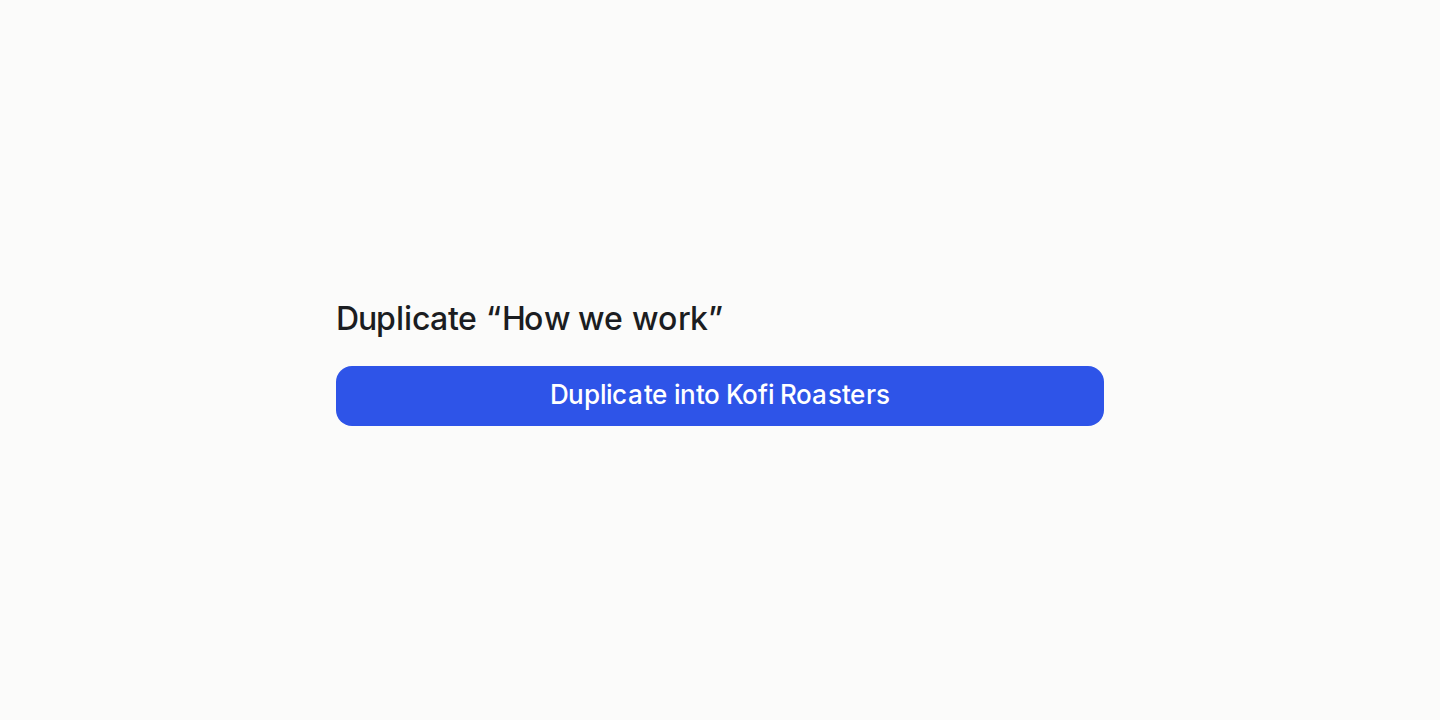
Click Duplicate into and your workspace's name, for example Duplicate into Kofi Roasters.
Rodeo makes the copy and opens it. It's an ordinary page in your workspace now: edit it however you like.
The copy lands at the top level of your workspace. Move it into a space or under another page afterwards.
What comes across
Copied: the page's text, headings, lists, toggles, quotes, tables, callouts, columns, code, equations and diagrams, plus images, video, audio, files and embeds.
Turned into plain text: mentions of pages and people, and dates. Links to other published pages on the same site stay links.
Left behind: databases, sub-pages (each page is duplicated on its own), comments and anything the site doesn't show.
What's copied is exactly what's on the site, as of its latest publish. Unpublished edits and private pages never leave your workspace.
Tips and limits
One page at a time. Duplicate copies the page it's on. To share a whole set of pages with their databases, publish it as a template instead. See Templates.
Templates install in full. When the site page is the preview of a template listed in the community gallery, Duplicate installs the whole template, databases included.
Images stay linked to the site. Media in a duplicated page is loaded from the original site, so if its owner unpublishes it, those images can stop showing. Upload your own copies of any you want to keep.
Guests can't receive copies. Workspaces where you're a guest aren't offered.
Plans: allowing duplicates is available on every plan that can publish, which is every plan. Visitors can duplicate into a workspace on any plan.
Ideas
Open-source your process. Harbor Studio publishes "How we work" and allows duplicating, so clients like Kofi Roasters can copy the review process into their own workspace.
A starter kit for your community. Publish a "Content plan checklist" for the café owners you work with, and let them duplicate it instead of emailing a PDF.
Teach with it. Publish course notes and let students duplicate each lesson to annotate their own copy.
Troubleshooting
"This page can't be duplicated". The owner turned duplicating off, or unpublished the page.
"Couldn't create your copy". Click Retry. If it keeps failing, check that you can create pages in the workspace you picked.
There's no Duplicate link on the site. The owner hasn't turned on Allow duplicate as template. Database row pages never have one.