Look and feel | Rodeo Docs
Rodeo doesn't make everyone work in the same grey box. Pick from eight complete looks, from a calm serif notebook to a dark, dense control room, then tune the accent colour, fonts, spacing and motion until it feels like yours. Owners can give the whole workspace a house style, and everyone can still choose their own.
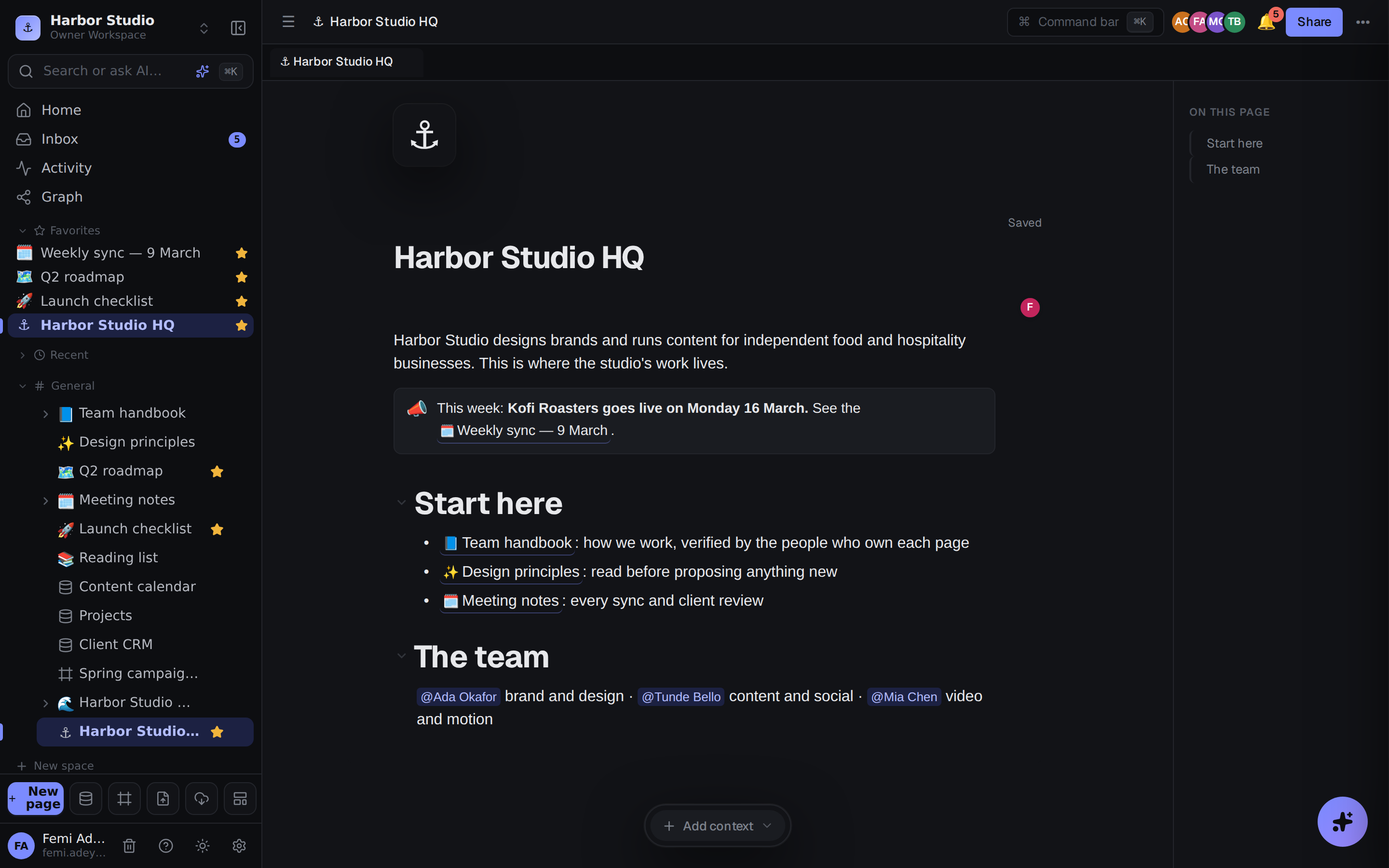
Eight looks, one click
A look restyles all of Rodeo at once: its colours, fonts, spacing and motion. There's Field Notes, a calm serif notebook; Switchboard, compact and dark; Open Range, with a floating page and a colour for each space; High Contrast, built for 7:1 text contrast; and four more. You choose yours from the Appearance tab in Members & settings, and Rodeo previews it across the whole app straight away.
Make it yours
Every look can be adjusted: light or dark mode, the accent colour, how dense the spacing is, the fonts, whether the page floats or sits flush, and how much things move. You decide whether your choice applies to the current workspace only or to every workspace you belong to.
Set a house style for your team
Workspace owners and admins can choose a house style, the look everyone in the workspace sees until they pick their own. It gives the team a shared starting point without taking the choice away from anyone.
Looks and house style walks through all of this step by step, with a table of every look and every adjustment.