Sign up and sign in without a password | Rodeo Docs
Rodeo has no passwords: you sign in with your Google account or with a one-time link we email you, so there is nothing to remember, reset or leak.
Signing up and signing in are the same thing. The first time you sign in with an address, Rodeo creates your account. Every time after that, the same address takes you back to the same account and its workspaces.
Do it
Create your account
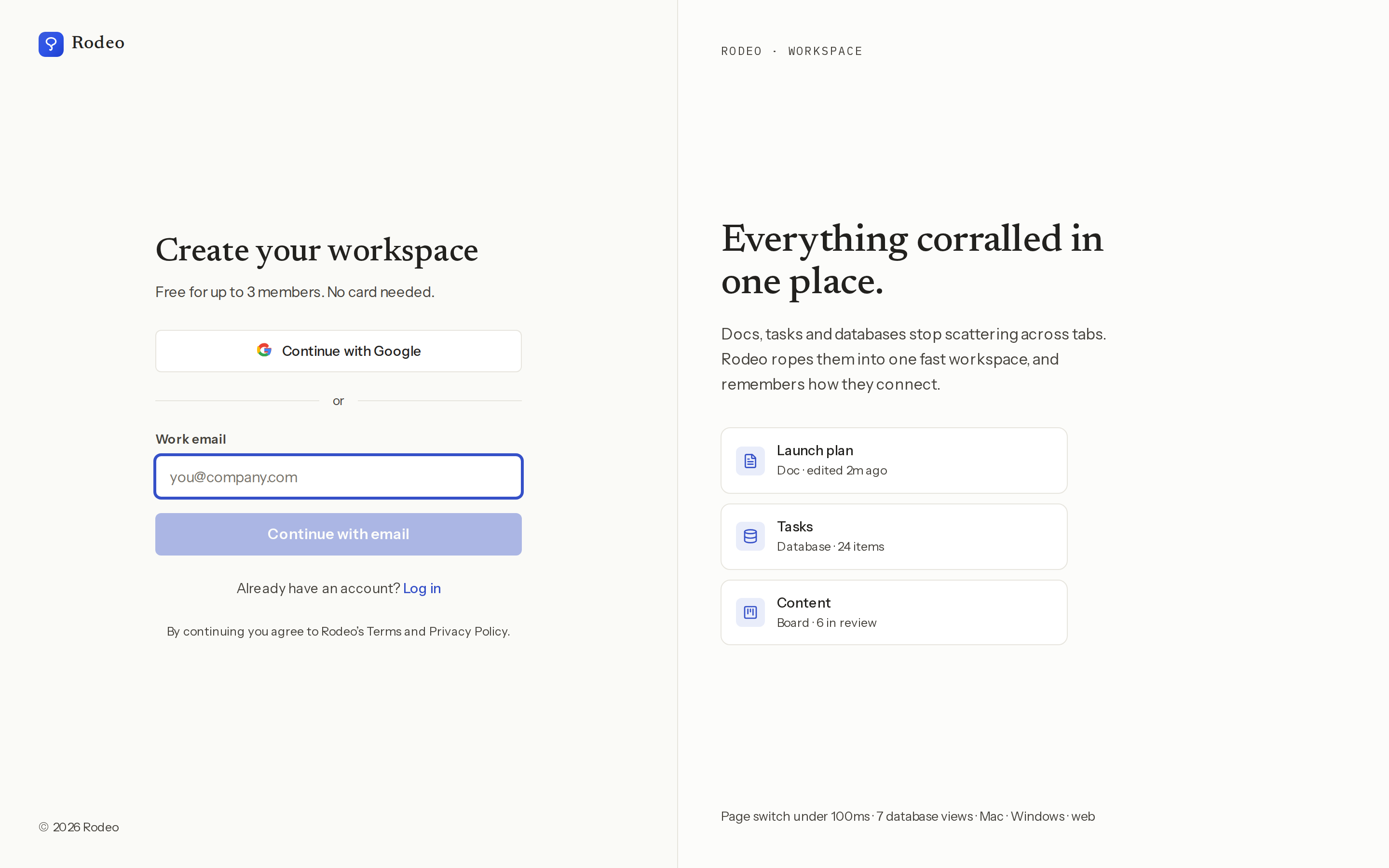
Go to rodeo.so/signup. The screen is headed Create your workspace.
Choose how to sign in:
Click Continue with Google and pick your Google account, or
Type your address into Work email and click Continue with email.
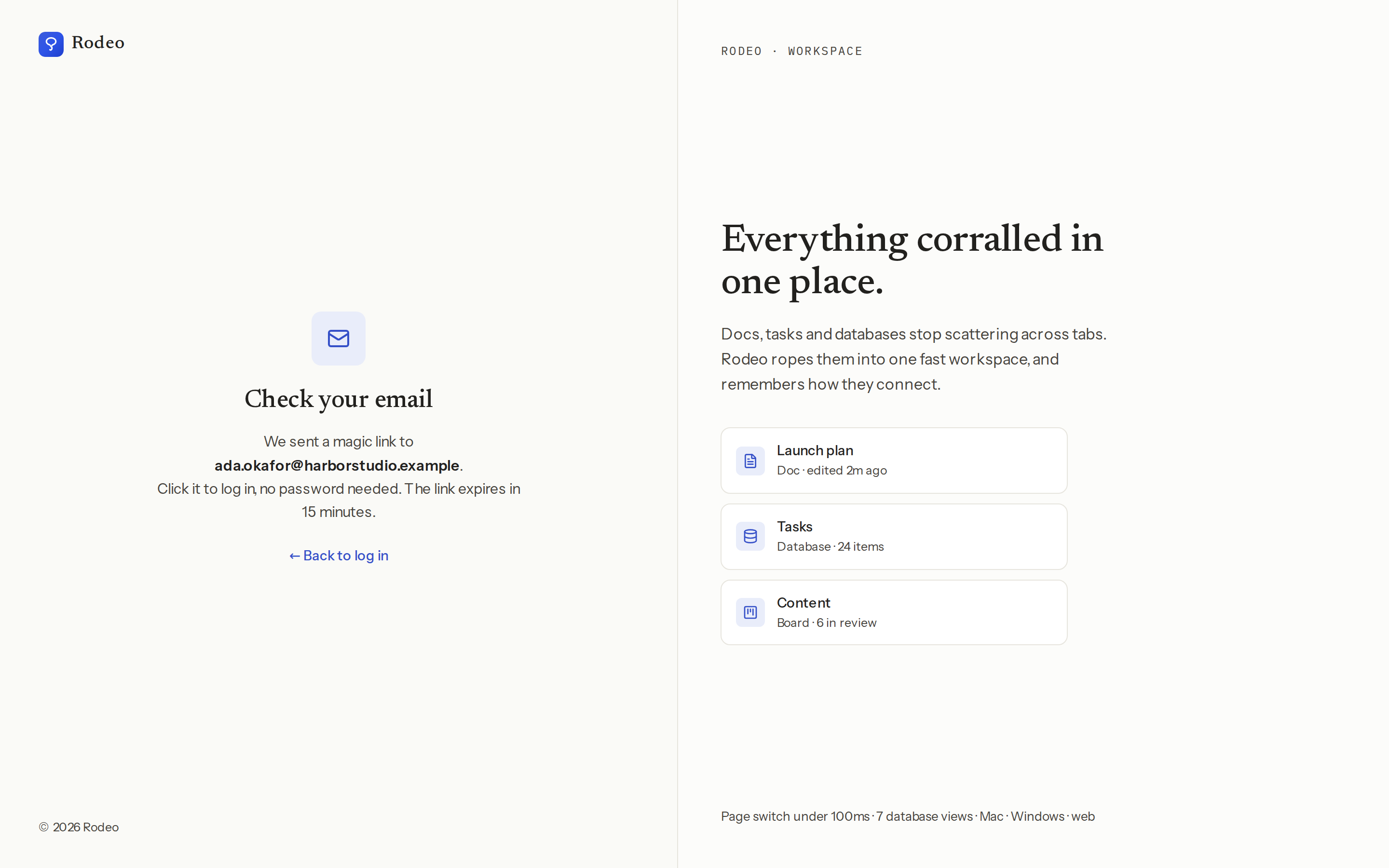
If you chose email, Rodeo shows Check your email. Open the message from Rodeo and click the link in it. You're in.
Rodeo sets up your first workspace and asks a few quick questions. See Your first workspace and page.
Sign in again later
Go to rodeo.so/login. The screen says Welcome back.
Click Continue with Google, or enter your email and click Continue with email, exactly as you did the first time.
You rarely need to. Rodeo keeps you signed in on each browser and device, quietly renewing your session in the background, so you can close the tab and come back days later straight into your work.
Sign out
Press ⌘K (Ctrl+K on Windows) to open the command menu.
Type sign out and choose Sign out.
Confirm with Sign out. You land back on the sign-in screen.
Signing out only affects the browser or device you're on.
Tips and limits
Email links expire in 15 minutes and work once. If a link has expired or was already used, Rodeo says "This sign-in link is invalid or has expired." Go back to rodeo.so/login and ask for a new one.
Use the same address every time. Your Google account and an email link with the same address lead to the same Rodeo account. A different address is a different account, with its own workspaces.
Invited by a teammate? Sign in with the address the invite was sent to. Rodeo accepts the invite as you sign in and drops you straight into their workspace instead of making a new one. More in Members, roles and invites.
Your name. With Google, Rodeo uses the name on your Google account. With an email link, it starts as the part of your address before the @, so ada.okafor@… shows as "ada.okafor".
On your phone, the Rodeo mobile app signs in with an email link or Google, and on iPhone with Sign in with Apple too. See Mobile app.
In the desktop app, Google sign-in opens in your normal browser and hands you back to the app when you're done. See Desktop app.
Plans. Signing up is free. The Free plan covers up to 3 members, with no card needed. See Plans and limits.
Ideas
One account for work and side projects. Sign in once and keep your studio workspace and a personal one side by side. Switch between them from the workspace menu at the top of the sidebar.
A shared laptop in the studio. Sign out from the command menu when you're done. Your teammate signs in with their own link and sees only their own workspaces.
Onboard a new hire in one message. Invite their work address, then tell them to "continue with email" at rodeo.so/login. They land in your team's workspace on the first click.
Troubleshooting
I didn't get the email. Check spam and any "Promotions" tab, and make sure you typed the address correctly. The link can take a minute to arrive. If it still isn't there, go back to the sign-in screen and ask for a new one.
The link says it's invalid or has expired. It's more than 15 minutes old, or you already used it. Ask for a fresh link from the sign-in screen.
I signed in and see an empty workspace instead of my team's. You probably used a different address from the one your team invited. Sign out and sign in with the invited address, or ask an admin to invite the address you used.
I can't get into my Google account right now. Use Continue with email with the same address. Both lead to the same Rodeo account.