Build on Rodeo: API and MCP | Rodeo Docs
Rodeo isn't a walled garden: a REST API and an MCP server let your scripts, your other tools and your AI assistant read and write the same pages and databases your team uses, with the same permissions.
Which one do you need?
You want to… | Use |
|---|---|
Script against your workspace from a server, a CI job or a no-code tool | The REST API with a Personal access tokens token |
Let Claude, Cursor or another AI assistant search, read and write your workspace | |
Collect entries from people without a Rodeo account |
Script your workspace
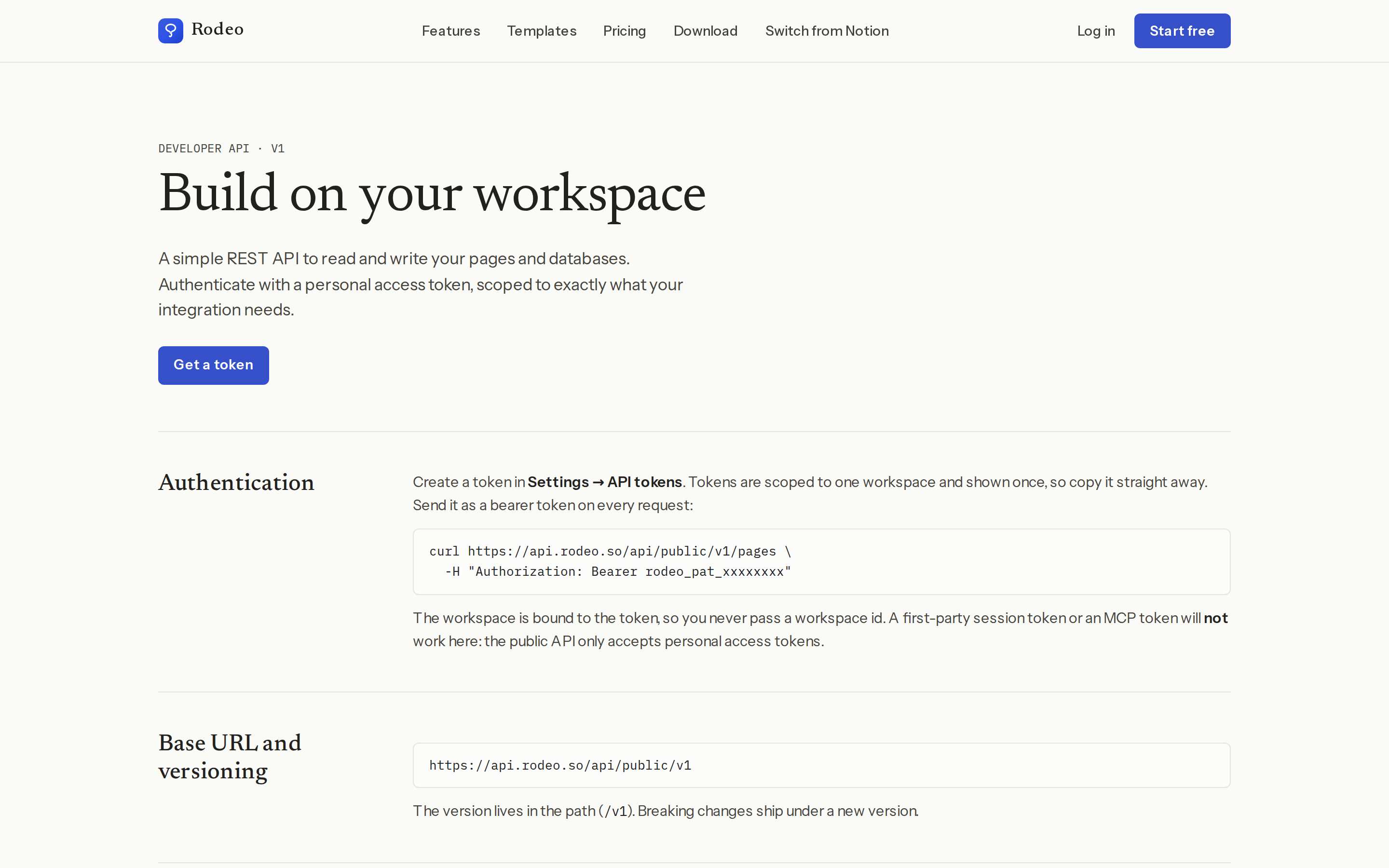
Every call to the API starts with a token. Personal access tokens shows how to create one for a single workspace, choose exactly what it's allowed to do, and revoke it in a click. Then The REST API documents every endpoint, with request and response examples you can paste straight into a terminal.
Connect your AI assistant
If you'd rather ask than script, Connect Claude, Cursor and other AI tools (MCP) connects Rodeo to the AI tools you already use. You add one URL to your tool and approve it, with no keys to copy. Your assistant can then search, read and write your workspace with your permissions.