Linking and structure | Rodeo Docs
A folder tree only holds a page in one place, but real work connects to many things at once: a meeting note touches a client, a project and a decision. Rodeo lets you link pages to each other as you write, then shows you those connections from every side, so your workspace grows into a web of knowledge your team can actually find its way around. Add reusable blocks, ready-made templates and a verified wiki, and the structure keeps itself honest as you grow.
Connect pages as you write
The habit that makes everything else work is linking. Page mentions and links shows how to type @ (or [[ at the start of a line) to link any page, and how to create the page on the spot if it doesn't exist yet.
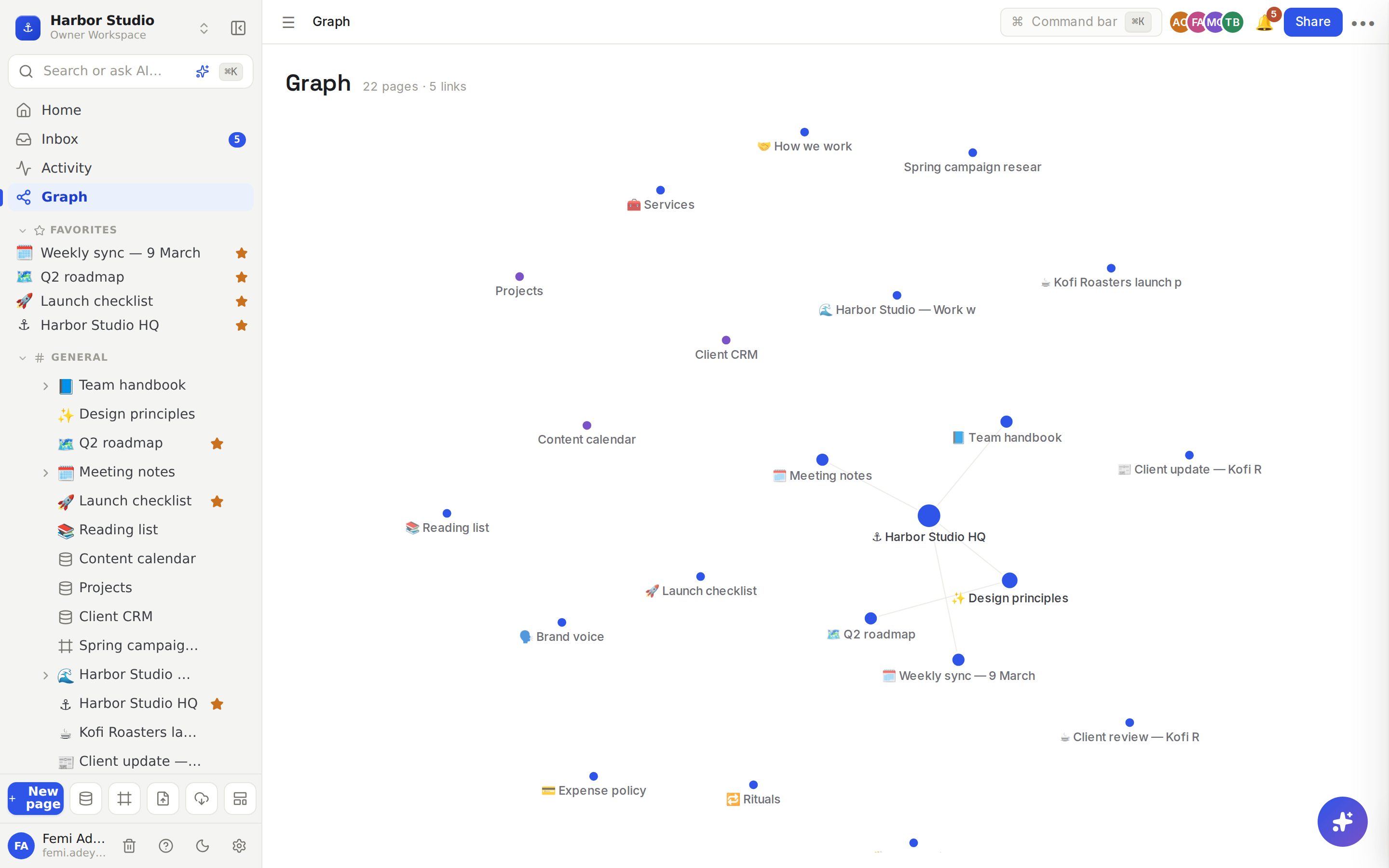
Every link works in both directions. Backlinks lists, at the bottom of each page, every page that mentions it. Step back further and Graph view draws your whole workspace as a map, so you can see which pages hold everything together and which ones are drifting on their own.
Write once, use everywhere
Some content belongs in more than one place: a project's status, a pricing table, a team's contact list. Synced blocks shows one block on many pages, so you edit it once and every copy updates. For whole pages you make again and again, Templates gives you ready-made pages, databases and project trackers to start from, and lets you publish your own for others to use.
Keep your knowledge trustworthy
A wiki is only useful if people believe it. Wiki and page verification gives pages an owner, lets them mark a page as verified, and shows at a glance which pages are out of date, so your team always knows which answer is current.