Email preferences | Rodeo Docs
Rodeo emails you when something needs you, and you decide how much: get each mention as it happens or one daily digest, add a morning list of your tasks, and switch off tips with one click.
Do it
Choose your emails
Click Members & settings at the bottom of the sidebar.
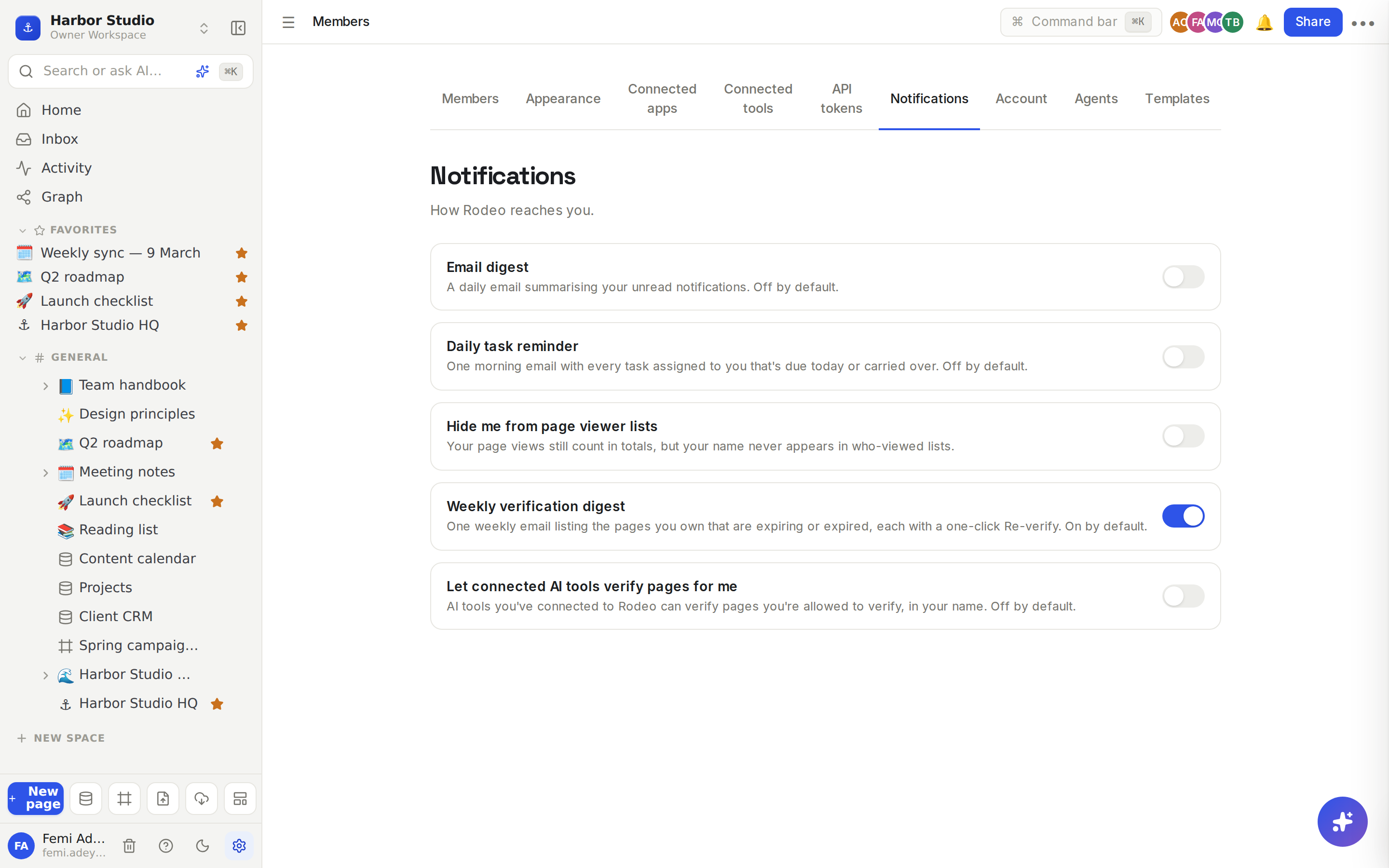
Open the Notifications tab ("How Rodeo reaches you").
Flip the switches you want. Each one saves as soon as you change it.
Switch | What it does | Starts |
|---|---|---|
Email digest | A daily email summarising your unread notifications | Off |
Daily task reminder | One morning email with every task assigned to you that's due today or carried over | Off |
Hide me from page viewer lists | Your views still count in totals, but your name never appears in who-viewed lists | Off |
Weekly verification digest | One weekly email listing pages you own that are expiring or expired, each with a one-click Re-verify | On |
Let connected AI tools verify pages for me | AI tools you've connected to Rodeo can verify pages you're allowed to verify, in your name | Off |
These are your personal settings: they apply in every workspace you belong to.
Unsubscribe from tips
Rodeo may send a short series of getting-started tips after you sign up, and the occasional suggestion, such as upgrading when a Free workspace reaches its 3-member cap, or switching to yearly billing.
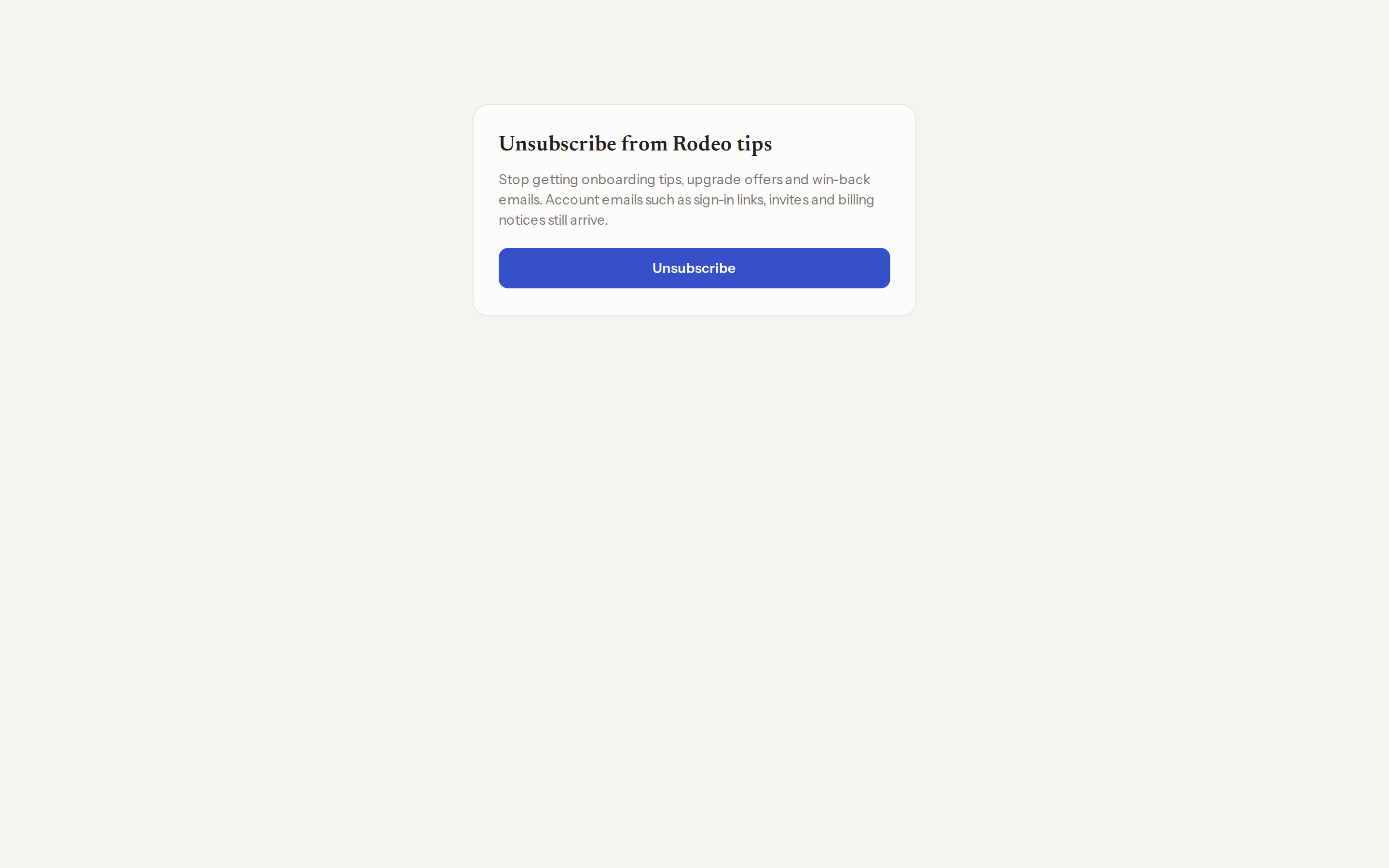
Click Unsubscribe at the bottom of any of those emails.
On the page that opens, click Unsubscribe. It says "You're unsubscribed".
Which emails you always get
Some emails are part of using Rodeo and don't have a switch:
sign-in links;
invitations to a workspace, and notices when you're added to or removed from one, or your role changes;
a page shared with you, or being added to a space;
workspace ownership being transferred to or from you;
your reminders (see Reminders and date mentions);
being assigned to a database row, and emails sent by a database automation (see Automations);
for workspace owners: payment receipts and payment problems.
Mentions and replies are emailed as they happen, unless you turn on Email digest: then they arrive in the daily digest instead, so you never get the same thing twice.
Tips and limits
No notification is lost. Everything also lands in your Inbox and notifications, whatever you choose here.
Tasks the reminder includes are rows in a database with a date and a done signal (a checkbox or a status), assigned to you through a person property. In a database without a person property, it's the rows you created.
Unsubscribing from tips never stops sign-in links, invites or billing notices.
At most one tips email a day. Rodeo never sends more than one of those to you on the same day.
Plans. Every plan, including Free.
Ideas
Inbox zero for a busy lead. Femi turns on Email digest, so a morning of comments on the Kofi Roasters launch plan becomes one email instead of twenty.
Start the day with your list. Tunde turns on Daily task reminder and gets one email each morning with every content-calendar post due today that's assigned to him.
Keep the handbook honest. Ada owns half the Team handbook. The Weekly verification digest reminds her when a page is about to expire, with a one-click Re-verify. See Wiki and page verification.
Troubleshooting
I stopped getting mention emails. You probably turned on Email digest. Mentions now come in the daily digest. Turn it off to get them one by one again.
The daily task reminder is empty or missing. It only sends when you have tasks due today or overdue, in a database with a date and a checkbox or status.
A switch says it couldn't load. Click retry. Your setting isn't changed until the switch shows its real state.