Rodeo AI | Rodeo Docs
Rodeo's AI works where you already are: ask a question and get an answer drawn from your own pages, with links to where it found it; rewrite or translate a paragraph without leaving the editor; give a page a context so it comes with the right AI tools; and record a meeting to get a summary, decisions and tasks written for you. Answers only ever use pages the person asking can open.
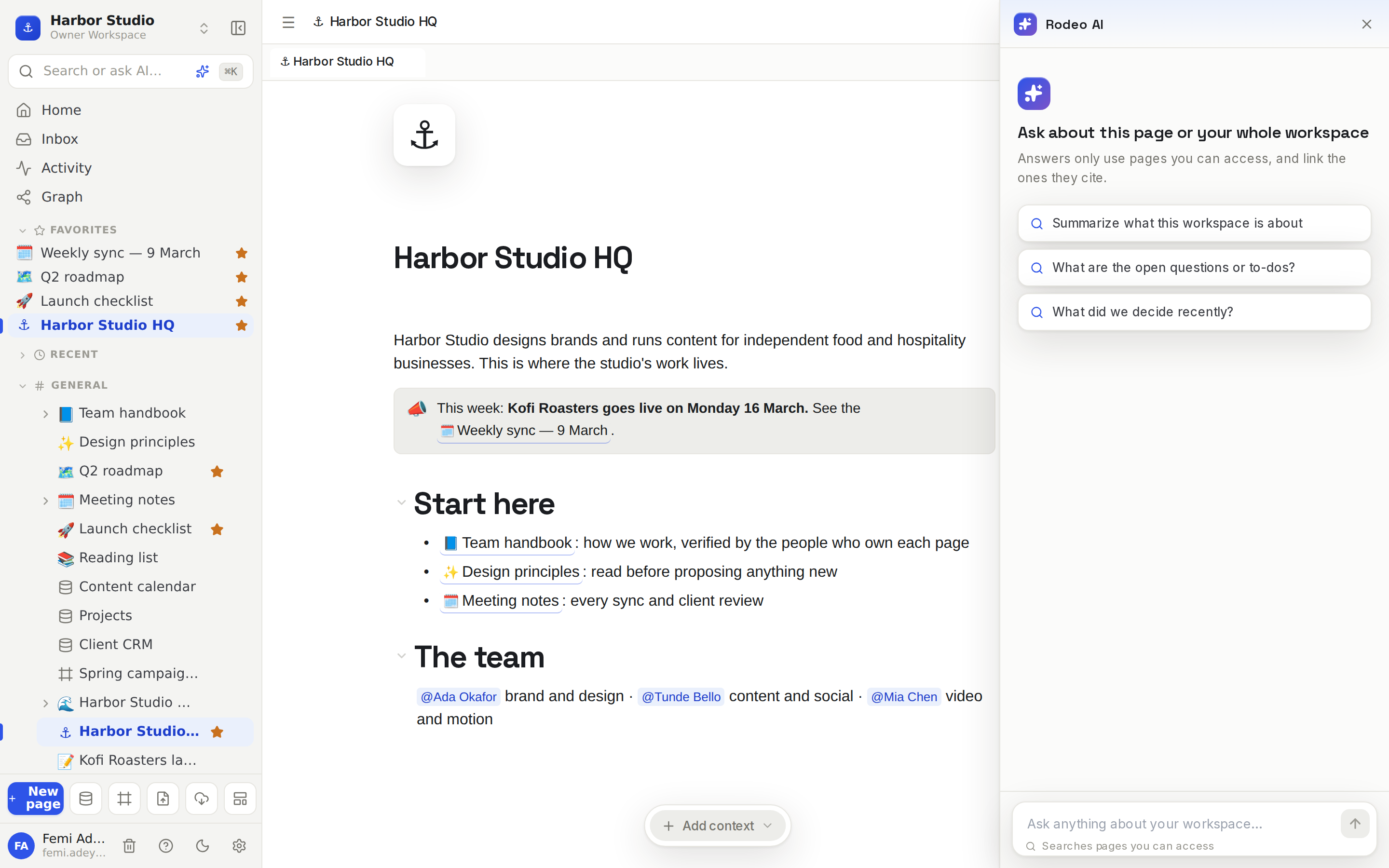
Ask your workspace
The quickest way to find something is to ask. Ask AI answers questions about your workspace and cites the pages it used, so you can open the source and check. Because answers are drawn only from pages you can open, it's safe for everyone on the team to use.
Write with AI in the editor
While you write, Editor AI: transform and generate can improve, shorten, translate or rewrite any selection, or draft new content from a prompt, right where your cursor is. For a block that keeps its prompt and can write again whenever you need a fresh version, see The AI block.
Give pages a purpose
Different pages need different help. Contexts lets you mark a page as, say, Meeting Notes or Research, and it then comes with AI actions made for that kind of page.
Never take meeting notes by hand again
Meeting notes records a meeting, or works from a recording you upload, and writes up the transcript, a summary, the decisions made and the action items for you.
For research across videos, articles and notes on an open canvas, see Boards, where AI chats read exactly the sources you wire into them.