Pages and the editor | Rodeo Docs
A Rodeo page is a living document: a brief, a wiki entry, a pitch deck or a script, built from blocks you can type, drag and rearrange, with everything from code and equations to diagrams, buttons and AI drafts a / away. Pages nest inside each other, so a whole client, project or handbook can live under one name, and every change is saved and versioned as you go.
Organise your pages
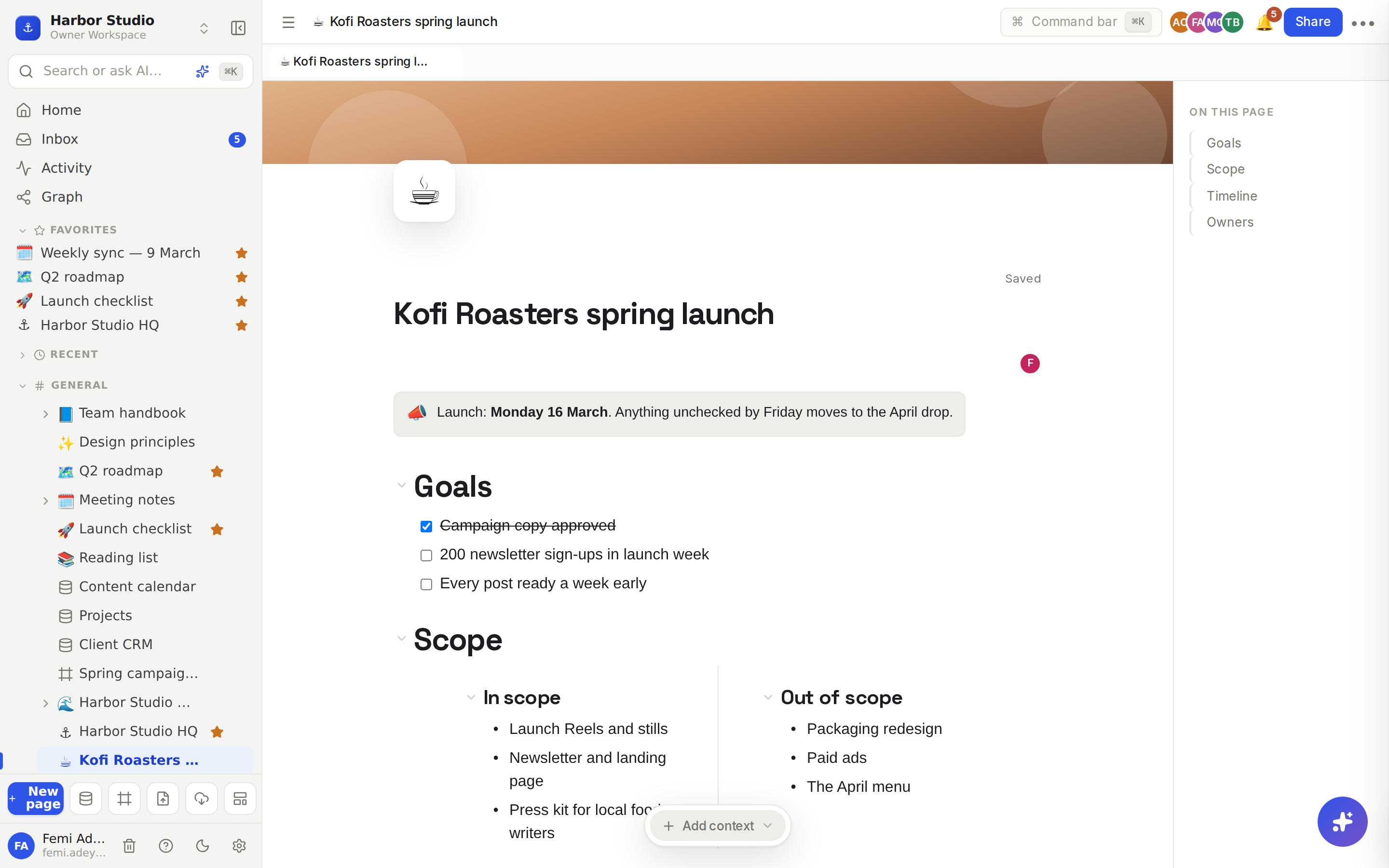
Start with Pages and nesting. It shows how to create a page, put pages inside other pages and keep the sidebar tidy as your workspace grows. When you want a page to look the part, Page layout: icon, cover, width and outline gives it an icon, a cover image, a full-width layout and a table of contents.
Write and format
Most of a page is words. Text and headings covers headings, quotes, formatting, colours and the block menu, and Lists and toggles covers bullets, numbered lists, checklists and sections that fold away. To make something stand out, or lay content side by side, see Callouts and columns.
Add richer blocks
A page can hold far more than text:
Media: Images, video and files covers pictures, video, audio and file links, and Embeds and HTML brings in YouTube, Figma, Loom and Maps players, link cards and your own HTML.
Technical content: Code blocks highlight syntax in over 40 languages, Math renders LaTeX equations, and Diagrams draws flowcharts from a few lines of text.
Actions: Buttons open a link or add a row to a database in one click, and The AI block writes from a prompt and regenerates on demand.
Present, navigate and keep track
When it's time to share your work in a meeting, Present and teleprompter turns a page into slides or a scrolling prompter. To work across several pages at once, Peek and tabs opens pages beside your work and keeps several open.
Rodeo also looks after your history. Version history lets you see and restore any earlier version of a page. Reminders and date mentions puts dates into your text and reminds you when they come round. If a page goes missing, Trash gets it back, or deletes it for good.