Add images, video and files to a page | Rodeo Docs
Drop a picture straight into a page, or link a video, recording or document where your team will see it, so a moodboard, a brief and its reference files live together.
Do it
Add an image
The quickest way: drag an image file onto the page, or paste one you've copied. Rodeo uploads it and places it where you dropped it.
Or use the menu:
Type /image and choose Image. A panel opens with two tabs.
On Upload, click Upload image and pick a file from your computer.
Or on Embed, paste the image's web address under Enter URL and click Embed image.
Add a video, audio or file
Type /video, /audio or /file and choose Video, Audio or File.
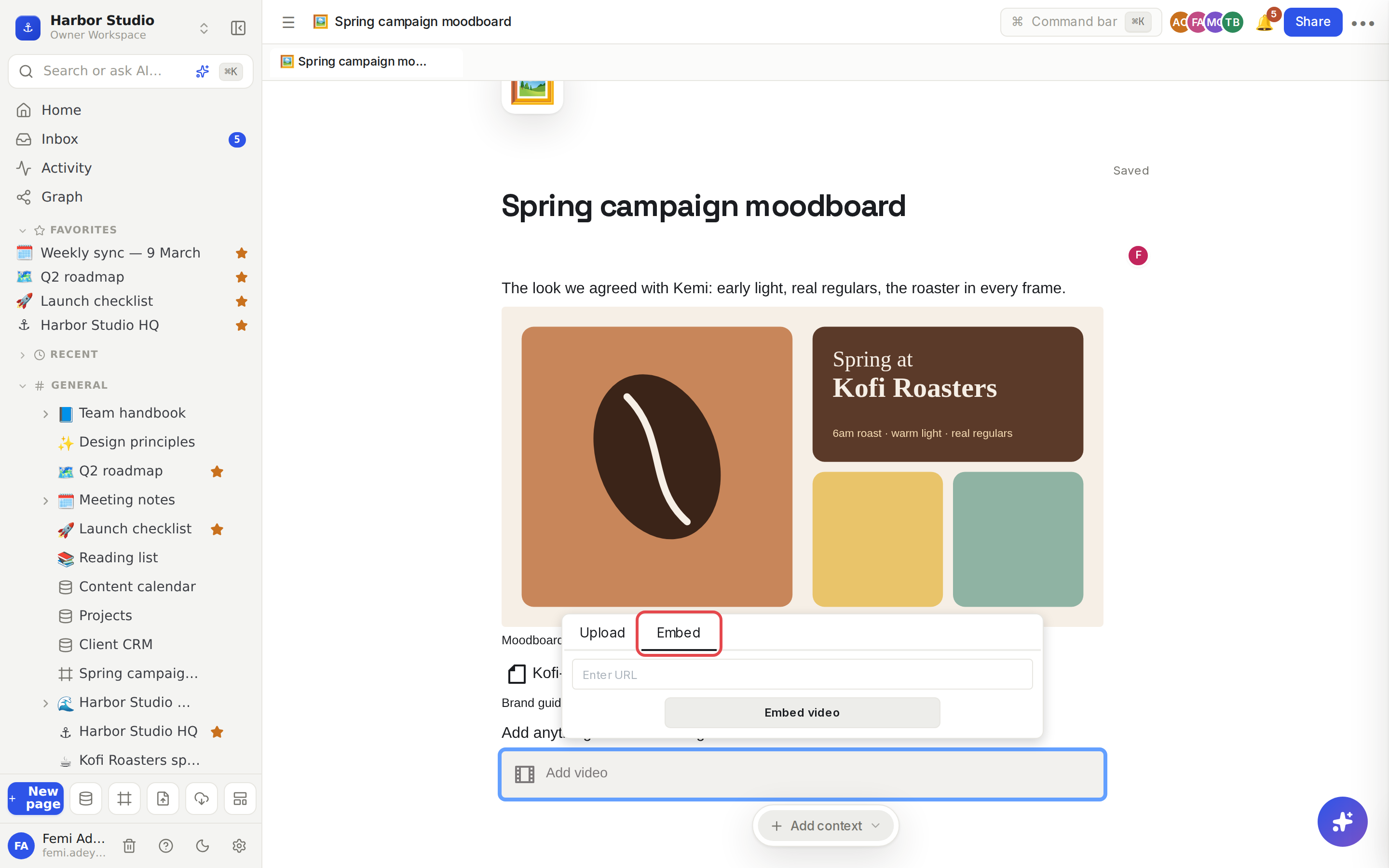
Open the Embed tab, paste the link under Enter URL, and click Embed video (or Embed audio, Embed file).
Use a direct link to the file itself, for example one ending in .mp4 or .pdf. For a YouTube, Vimeo or Loom link, use an embed instead, which shows the site's own player. See Embeds and HTML.
Edit a media block
Click the image, video, audio or file block to show its toolbar:
Edit caption to add a line of text under it.
Replace to swap in a different file or link.
Rename, Download and Delete.
Toggle preview to switch between the full preview and a compact file row.
Drag the sides of an image or video to resize it. Hover any image to show a Download image button, which works for people who can only view the page too.
Tips and limits
Uploads are images only: PNG, JPEG, GIF or WebP, up to 10 MB each. SVG isn't accepted.
Video, audio and other files go in as links with the Embed tab. Host them somewhere that gives you a direct link, such as your own website or file storage.
Uploaded images are safe from accidents. Moving a page to trash keeps its images; they're only removed when you choose Delete forever. See Trash.
Cover images use the same upload rules. See Page layout: icon, cover, width and outline.
Database rows can hold files in a Files property too. See Properties.
Images, video and files work on every plan.
Ideas
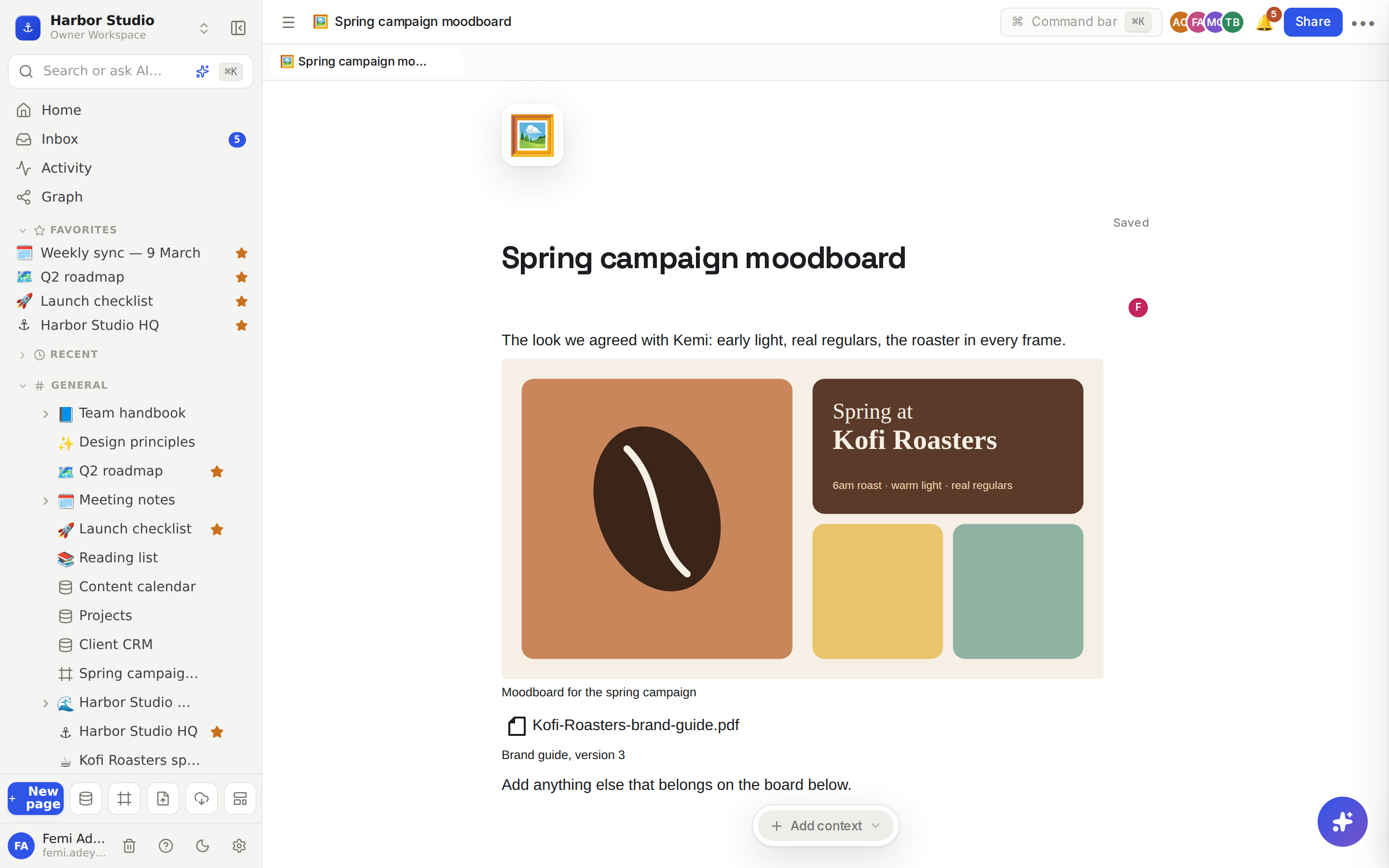
A moodboard per campaign. Paste in reference shots, caption each one with why it works, and put two side by side with columns. See Callouts and columns.
Brand assets in the brief. Add the logo as an image and link the brand guide PDF as a file block, so nobody asks "where's the latest logo?" again.
Rough cuts for review. Link the first cut of Kofi Roasters' launch Reel as a video block and ask Kemi to leave comments on the page. See Comments.
Troubleshooting
My upload failed. Check the file is a PNG, JPEG, GIF or WebP image under 10 MB. Other files, including videos and PDFs, can't be uploaded; add them as a link with the Embed tab instead.
My video block is blank. The link probably points at a web page rather than the video file. Use the direct file link, or use an Embeds and HTML embed for YouTube, Vimeo or Loom.